SUMMARY
Want to integrate iPads into your elementary music classroom? Try composing with your students. This article provides ideas to get you headed in the right direction.
by Molly Raimondi




Want to integrate iPads into your elementary music classroom? Try composing with your students. This article provides ideas to get you headed in the right direction.
by Molly Raimondi
In January 2020, I started searching for a new activity to do with my upper-grade music classes. Then, I remembered taking a college class about technology in the music room. I learned about iPads and Apple laptops. “GarageBand!” I said triumphantly out loud, and thus, my favorite project of the year was born.
For this project, I slightly altered the process for each grade. I knew I needed some iPads (obviously) and headphones for each group. I also created a “recording studio” in one of my practice rooms, so kids could record their vocals without picking up other voices and sounds. With five iPads, my school’s first experiment in GarageBand begins!
I decided to try this project with my third, fourth, and fifth graders. The first thing I did was model how the different instruments work and how to change chords and add measures. Then, I divided each class into five groups since I had five iPads, and they got to work, exploring GarageBand.
I required each group member to participate in the composition process and sing on the final recording. The third-grade group built their composition around a pre-determined topic. We picked “shoes.” The students created lyrics about shoes, and each of their songs contained two verses and a chorus.
My fourth and fifth-grade students choose their topics, with the caveat that their topic was school-appropriate. After the initial tutorial, I divided them into groups, and students started creating their music on shared iPads. After they composed the music, the fourth and fifth-graders added their lyrics. Every group member was required to participate in the composition process and sing on the final recording.
I believe that by requiring the students to sing in the final recording, they were encouraged to participate in the group composition and had a more personal stake in the final product.
The entire project took 5-6 weeks. I saw each class once a week for 30 minutes.
Week 1: First, I demonstrated how the GarageBand App worked and introduced the basic functions. I divided students into groups and handed out numbered iPads. (This is especially important because if a group saves their song on iPad #2, they need to use iPad #2 every class or lose their song!) Each group then explored the GarageBand App.
Weeks 2-5: Students created their music and songs from scratch. Each group did the following tasks :
Week 6: Each group recorded their vocals in the “recording studio.” I allowed them 10-15 minutes to complete their recording.
My students loved this project! I plan to try it again this school year – knowing that I may need to make some adjustments for my school’s COVID safety protocols.
Want to integrate iPads into your elementary music classroom? Here are some of my best tips for you.
One of my favorite final projects was by a group of 3rd-grade boys. As I said before, the topic we decided on for 3rd grade was “shoes.” They got extremely creative and found the auto-tune effect, and went to town with it! You can listen to their song below. Remember: Do not limit music exploration- Let students try, and see what happens!!
Contributor
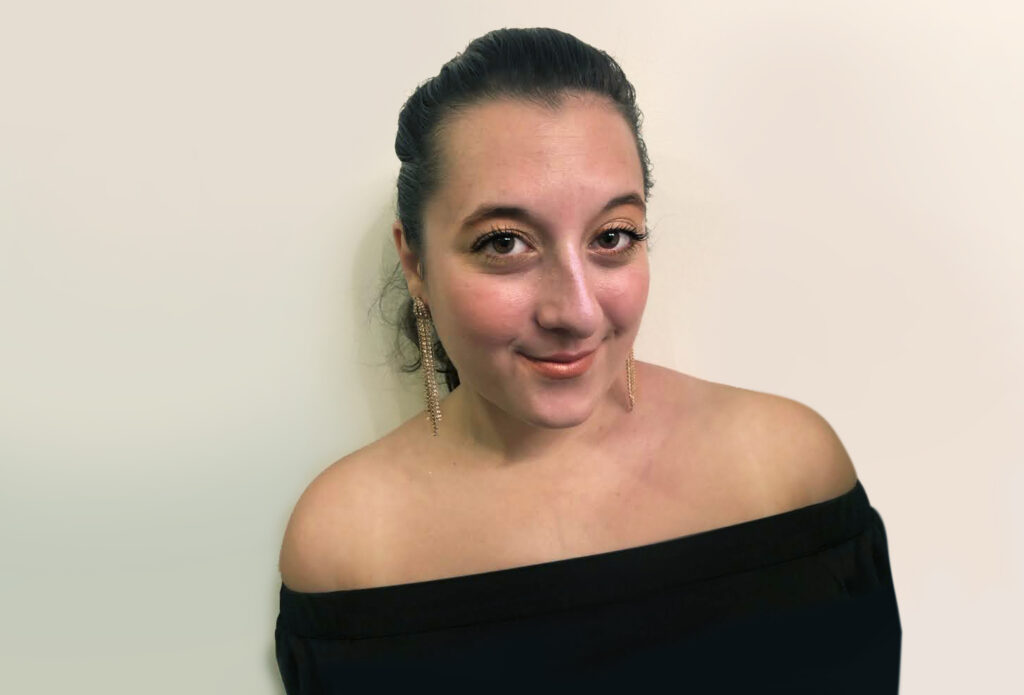
Hi! My name is Molly Raimondi. I am a 7th-12th grade choral director in Richmond Heights, Ohio. I graduated in 2016 from the University of South Florida with a degree in K-12 music education. I am a vocalist and also play…
Discover more from Molly Facebook
 Twitter
 Pinterest
 LinkedIn
 Email
Email Print
Print